


SUPPORT ARTICLE | 0 minute read
How to Reset Your Password
It happens to all of us that we forget our password, but don’t stress you can easily reset your password by following the steps outlined below.
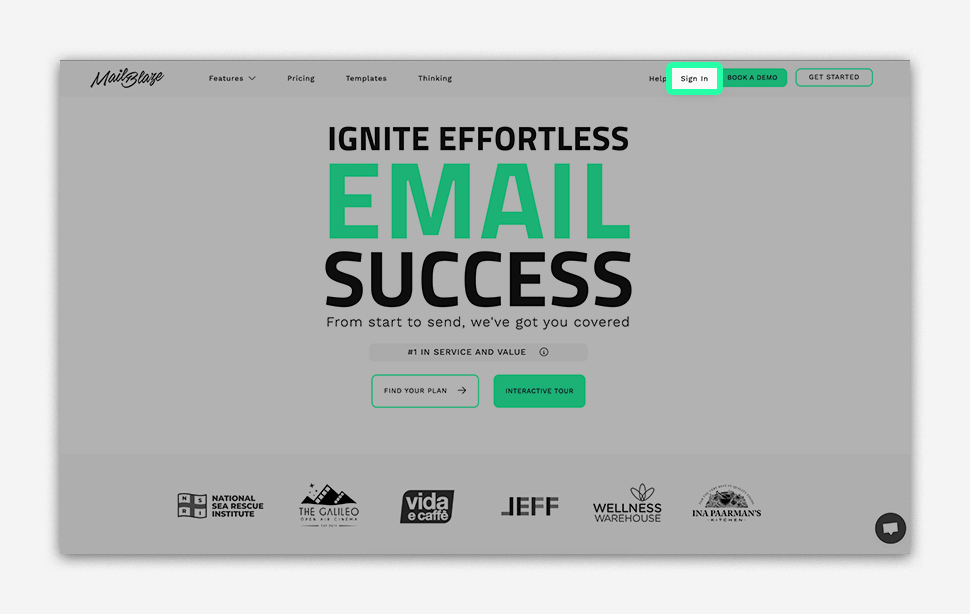
Step 1
Go to www.mailblaze.com and click on the SIGN IN button.
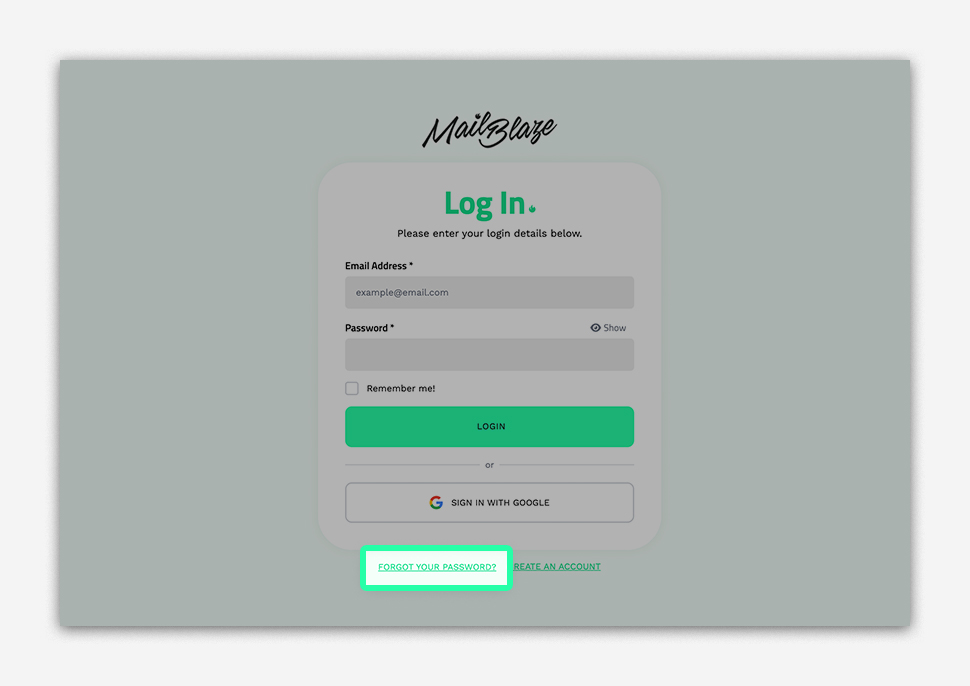
Step 2
Click on FORGOT YOUR PASSWORD.
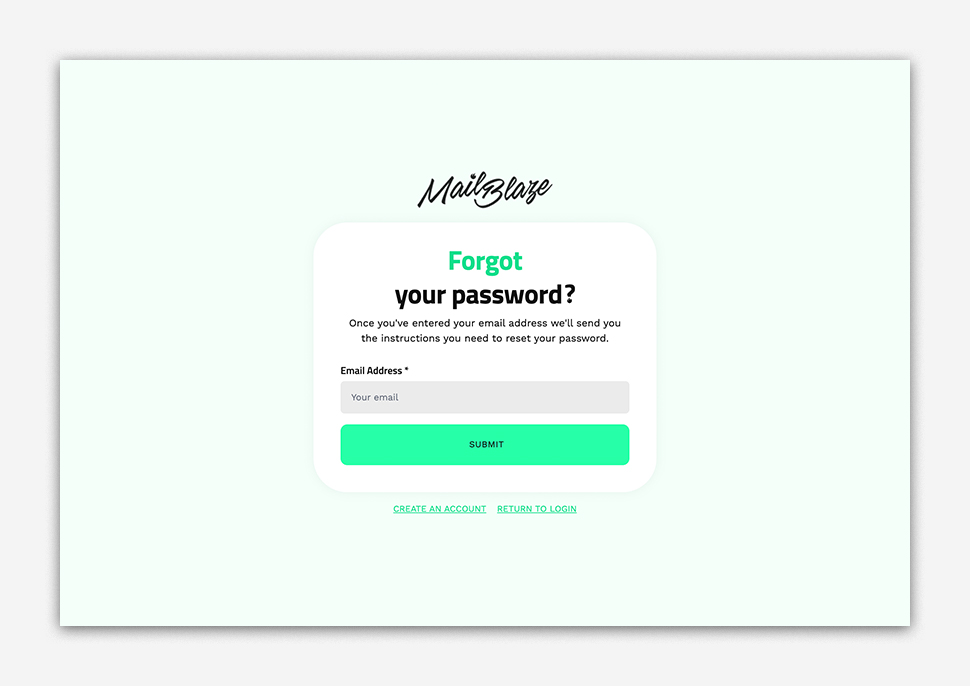
Step 3
Enter the email address linked to your Mail Blaze account. We’ll send you an email with a link and instructions to reset your password.
 Once you receive the email, simply follow the steps provided and set a new password. After that, you’ll be able to log in again as usual.
If you don’t see the email within a few minutes, be sure to check your spam or promotions folder. If you still need help, feel free to reach out to our support team.