


SUPPORT ARTICLE | 0 minute read
User Management in Mail Blaze
Have multiple team members that need to complete different aspects of your email marketing activities? We make it easy for you to manage user access across your account and keep a handle on what actions each user is able to complete.
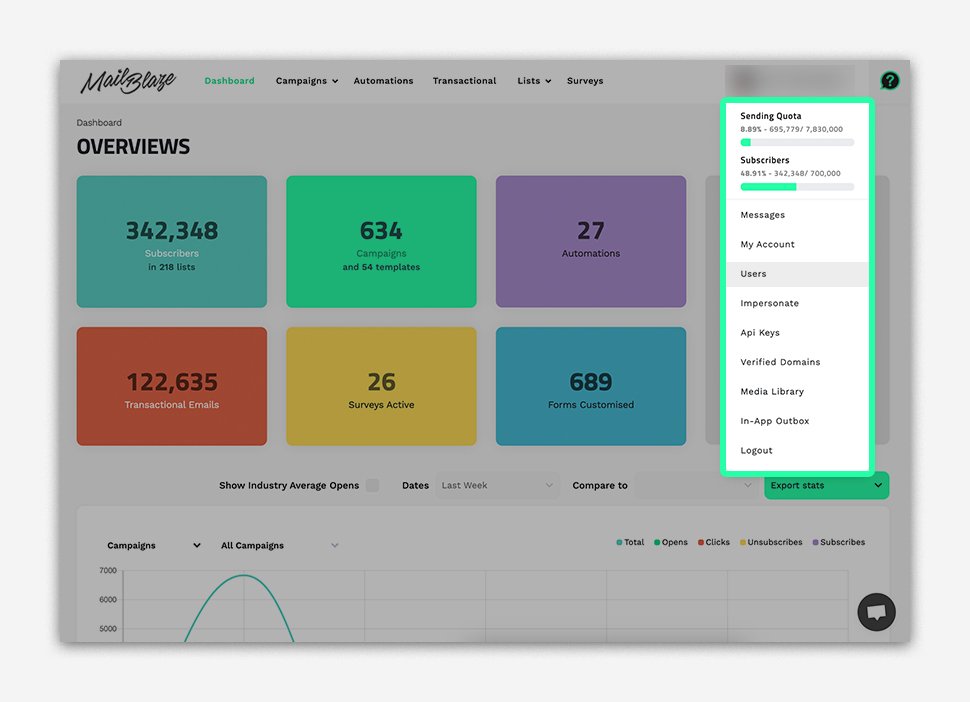
To get started, navigate to your profile and select the USER tab.
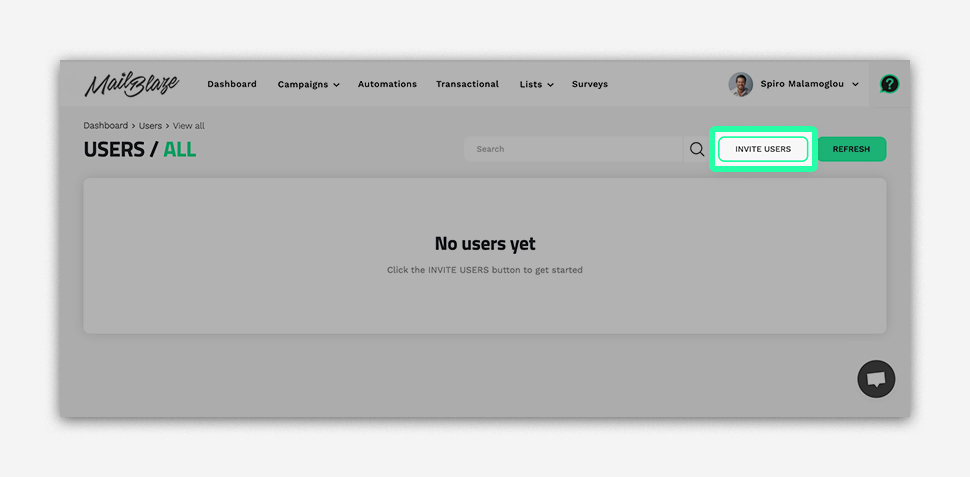
Click the INVITE USER button.
Enter the new user's email address and set their permission level.
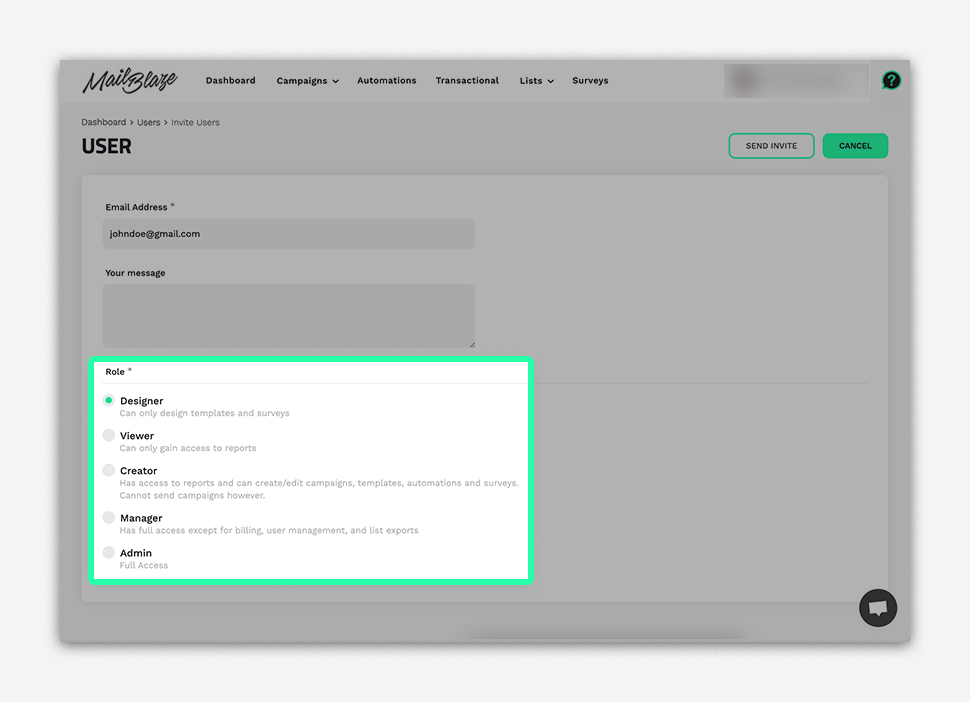
Click SEND INVITE to add the new user.