

SUPPORT ARTICLE | 0 minute read
How to Search for a Subscriber
Do you want to see how a particular subscriber is responding to your campaigns? It may be that you’d like to see if your VIP customer is actively looking at what you send, or check in to see that key stakeholders are engaging with your email marketing efforts. Whatever the reason, let’s take a look at how you can search for a specific email address/subscriber in your account.
Step 1
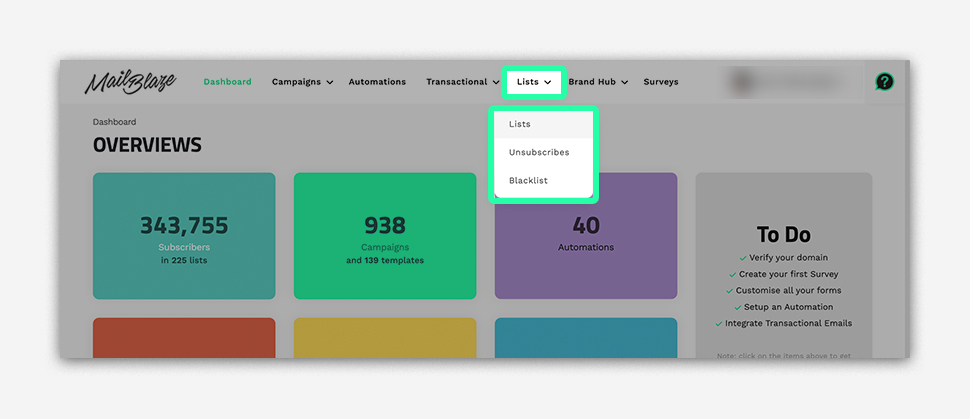
Navigate to LIST and then click on LIST again
Step 2
Now you click on the ALL SUBSCRIBERS button.

Step 3
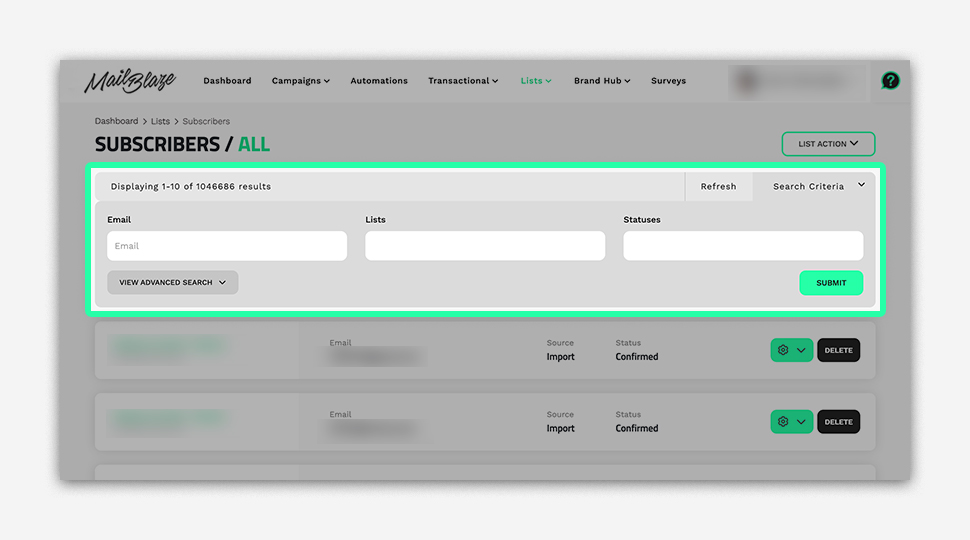
Once you’ve done that you can Click on the SEARCH CRITERIA, type in the subscriber’s email address and then click on SUBMIT.
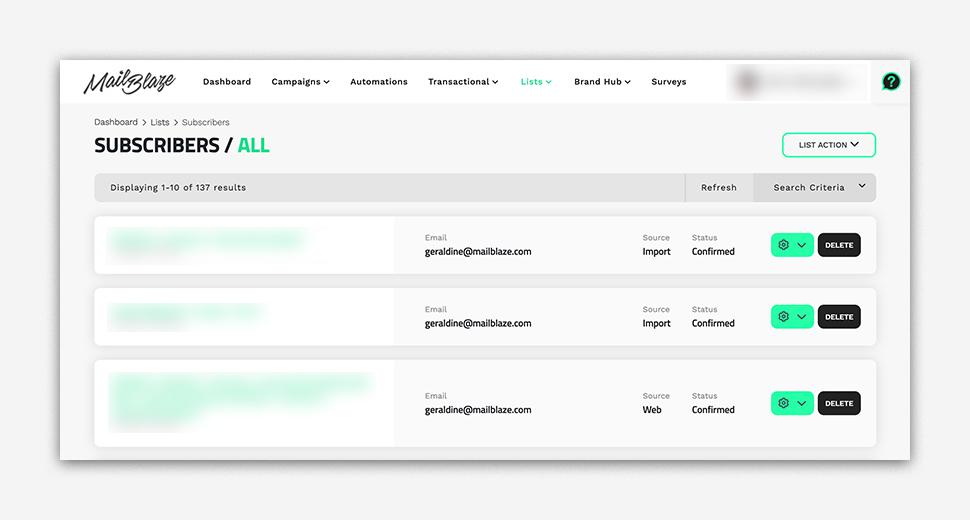
You’ll now be able to see the subscriber you’re looking for.